
On-device photo analysis
The selected photo is analyzed in the current browser session and is not sent to an age-estimation server.
Supports JPG, PNG, WebP · Max 10MB
Ready to Analyze
Upload a clear portrait to begin. Your photo stays private in this browser session.
Why this guess?
Age detection runs in your browser. The selected photo is not sent to an age-estimation server. Read the face-photo privacy guide.
Looking for an online age detector by photo? Choose a selfie or portrait and get an apparent-age result with browser-side AI. No account, app download, or server-side photo upload is required for the estimate.
Choose the tool wording that matches your task. Every option uses the same browser-side apparent-age workflow.
An online age detector by photo is an action-first tool: choose a picture containing one visible face, let an AI model inspect the image, and receive an apparent-age estimate. The result describes how old the face may look in that particular frame. It does not retrieve a birth date, identify the person, or prove chronological age.
This detector runs the sensitive image-analysis step inside the browser tab. After you choose a photo, the page checks the file, locates a face, maps 68 facial landmarks, and runs an age-estimation model on the device. The selected image is kept in the current page session for the analysis rather than sent to an age-estimation server. You can use the detector without an account, email address, or app installation.
The words detector, estimator, and guesser are often used for similar tools, but the task on this page is specific: detect an apparent-age signal from a photo and show the result immediately. If you want a more analytical explanation of estimated age versus real age, use the Free AI Age Estimator. If you want the quickest playful entry point, use the Age Guesser.
A single result can change when the photo changes. Distance, lens perspective, lighting direction, expression, blur, filters, crop, and image compression all alter the pixels available to the model. That is why this page is most useful for controlled photo comparisons: keep most conditions similar, change one variable, and see whether the estimate moves.
The workflow has three model stages. First, face detection checks whether the image contains one usable face. Second, landmark mapping places 68 points around areas such as the brows, eyes, nose, mouth, and jawline. Third, the age model processes image patterns and returns a numeric estimate. The interface exposes the face count, landmark count, face box, face-area ratio, and detection score so you can understand whether the input was clearly detected.
Those diagnostics are not an accuracy guarantee. A high face-detection score only means the detector found a face confidently; it is not confidence in the predicted age. The model also does not reveal a reliable feature-by-feature explanation for why it chose a specific number. The honest output is one apparent-age estimate tied to one image.
A server-side tool must transfer the selected image to remote infrastructure before that server can analyze it. On this page, the face detector, landmark model, and age model load into the browser and run there. The selected photo is not sent to an age-estimation backend or stored in an account because the tool has no account system.
Browser-side processing does not mean the whole website is offline or that no technical web data exists. The page still has to load its files, and the site's general analytics and policy boundaries are explained in the Privacy Policy. The narrower, verifiable promise is that the selected face photo stays out of an age-estimation server workflow.
Start with a clear, front-facing portrait in even light. Keep the face large enough to detect, leave the full outline visible, and avoid sunglasses, masks, heavy filters, motion blur, and extreme side angles. These choices do not make the estimate equal real age; they simply give the detector a cleaner and more repeatable input.
For a useful experiment, change one condition at a time. Compare window light with overhead light while keeping the same distance and expression. Then compare camera distance while keeping the lighting stable. If you change the lens, crop, expression, makeup, and light all at once, you cannot tell which difference affected the estimate. The photo guide provides a fuller checklist.
Use the detector for curiosity, comparing profile photos, testing how camera conditions affect apparent age, or making an optional share card. You can also enter your actual age after the result for an in-session comparison; that field is optional and stays in the current browser session.
Do not use the output for age verification, identity checks, access control, medical decisions, employment screening, insurance, or legal decisions. Apparent age and chronological age are different concepts, and a photo-based estimate cannot replace documentation. Read how the models and boundaries work or the guide to AI age guesses versus real age before interpreting the number.
The selected photo is analyzed in the current browser session and is not sent to an age-estimation server.
The detector returns an entertainment estimate from one image. It does not verify age, identity, health, or eligibility.
Face count, landmark count, image size, and face-area details help you judge whether the detector received a usable photo.
Choose one clear face photo, run browser-side detection, and read the result as apparent age.
Upload a JPG, PNG, or WebP, or take a selfie on a supported phone. One clear face works best.
The browser finds one face, maps 68 landmarks, and runs the apparent-age model on the device.
See the estimate and input diagnostics, then compare another photo if you want a more useful test.
The selected photo stays out of an age-estimation server workflow while the models run in your browser.
The working detector comes before the long explanation. Choose a photo and start without navigating to another page.
No account, email form, subscription, or credit card is required to run the age-detection model.
Select an existing portrait on desktop or use the camera option on a supported mobile browser.
Review the detected face, 68-landmark visualization, face box, image size, and other input diagnostics.
Try another image in the same session and control whether your photo appears on an optional share card.
Use the tool, learn what affects the estimate, then try a better photo.
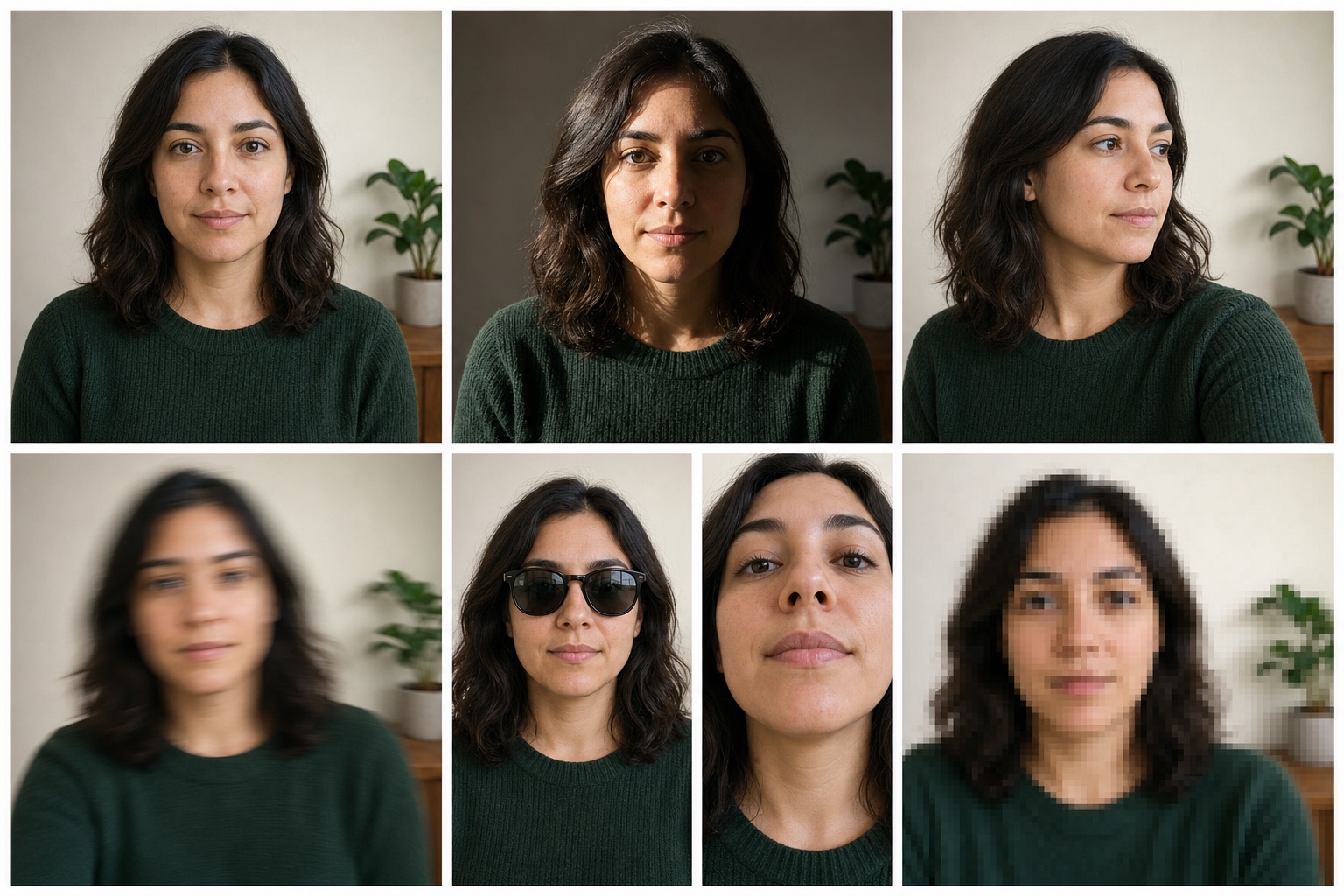
Lighting, angle, filters, and face size can change an AI age guess. Use this guide before testing another selfie.
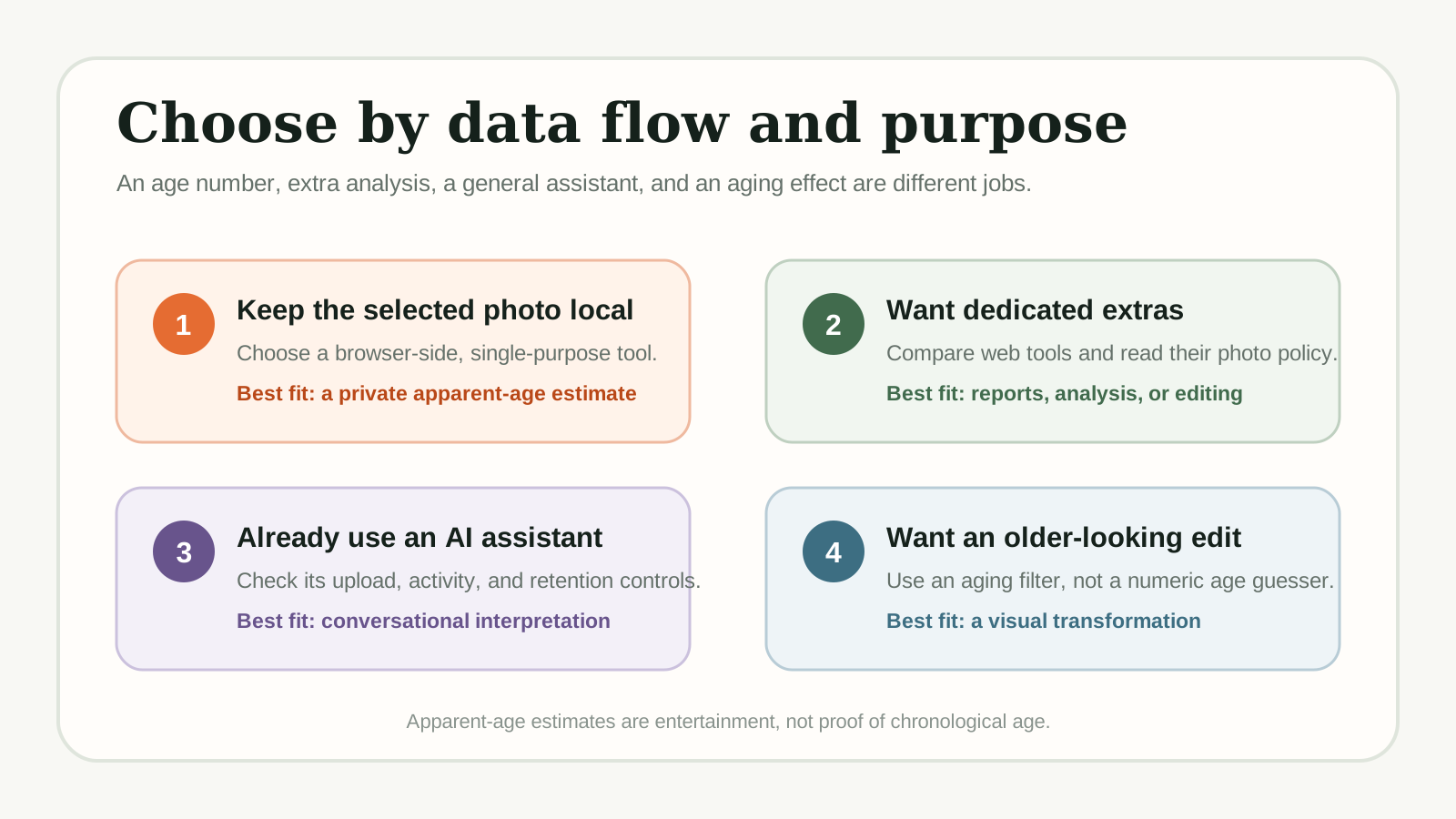
Compare dedicated age guessers and adjacent AI tools by access, photo handling, mobile use, and extra features before choosing one.
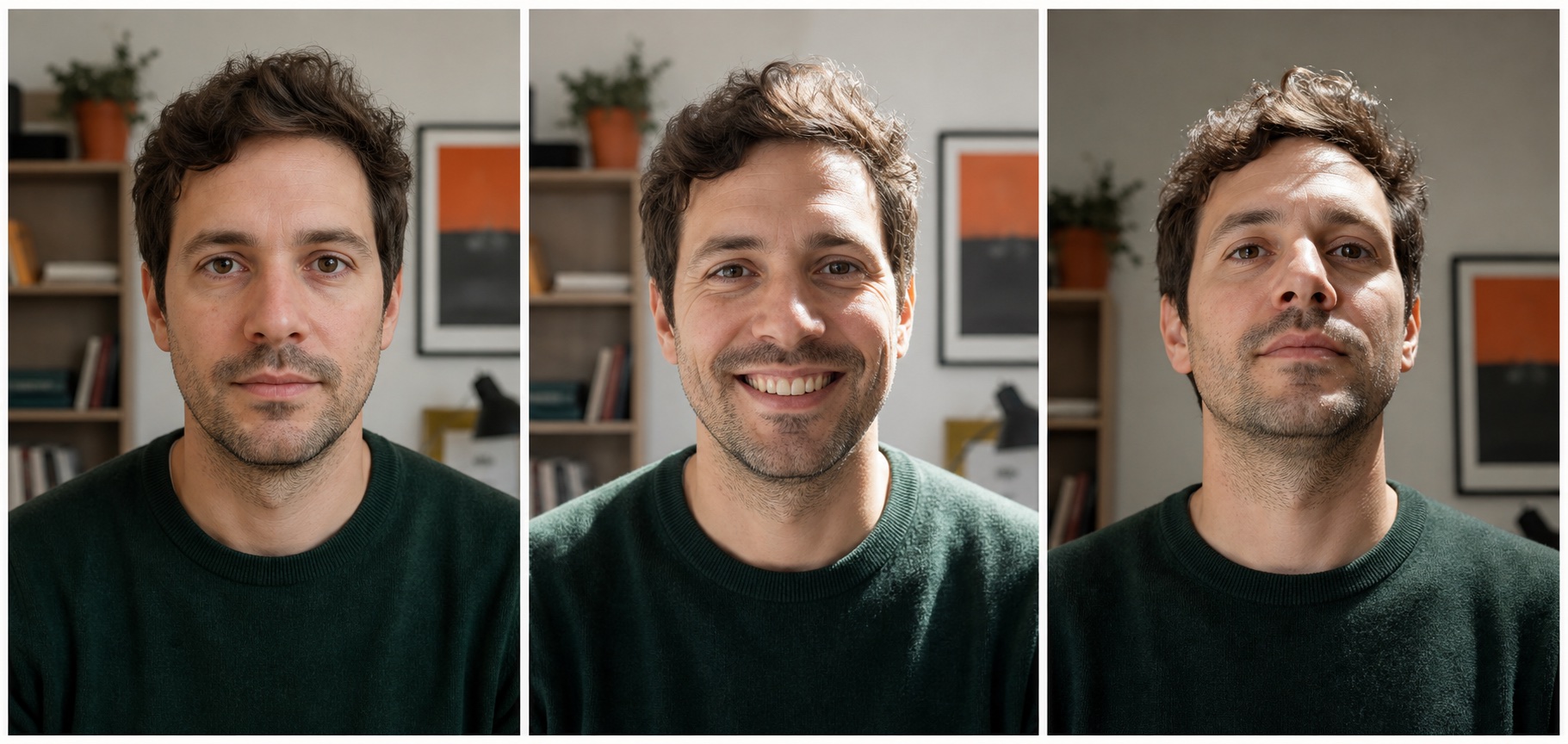
Learn why an apparent-age estimate can differ from real age, and why the same person can get different results across photos.
Also try the Age Guesser for a playful result or the Free AI Age Estimator for a more analytical explanation.
An online age detector estimates apparent age from patterns in one face photo, not real age from a birth date. Lighting, angle, expression, filters, camera distance, and image quality can all change the result. Use it for curiosity and photo comparison, not as proof of age.
The face detection, landmark mapping, and age-estimation model run inside your browser. The selected photo is used for the current page session and is not sent to an age-estimation server or stored in an account.
No. You do not need an account, email address, subscription, or credit card. Choose a supported photo and run the browser-side detector.
Yes. On a supported mobile browser, you can take a selfie or choose a photo from your gallery. The same page also works on desktop and tablet screens.
The page detects one face, maps 68 landmarks around visible facial regions, and sends the image patterns through an age-estimation model. The model does not expose reliable per-feature weights, so the result should not be interpreted as a diagnosis of any single feature.
Both can return an apparent-age result from a photo. This detector page emphasizes the immediate upload-and-detect task, while the Free AI Age Estimator explains the analytical workflow and the difference between estimated age and real age in more detail.
Use a clear front-facing photo with one visible face, even lighting, and minimal blur or filtering. For comparisons, keep the camera distance, crop, and expression similar between photos.
No. A photo-based model estimates apparent age and cannot confirm a birth date or identity. Do not use it for age verification, access control, medical, legal, insurance, or employment decisions.
Try also: guess my age from photo · free AI age estimator
Choose one clear face photo and run the browser-side detector. Free to use, no signup, and no photo sent to an age-estimation server.
Detect My Age Now - Free